Browser MMORPG with no download: how to play a free online RPG in your browser, on PC or phone
A browser MMORPG with no download is a free online RPG you play in a tab: a shared fantasy world you play with other people, straight from a tab, with nothing to install. You open the game’s address, create an account, and your progress is saved on the server, ready to pick up on PC or phone.
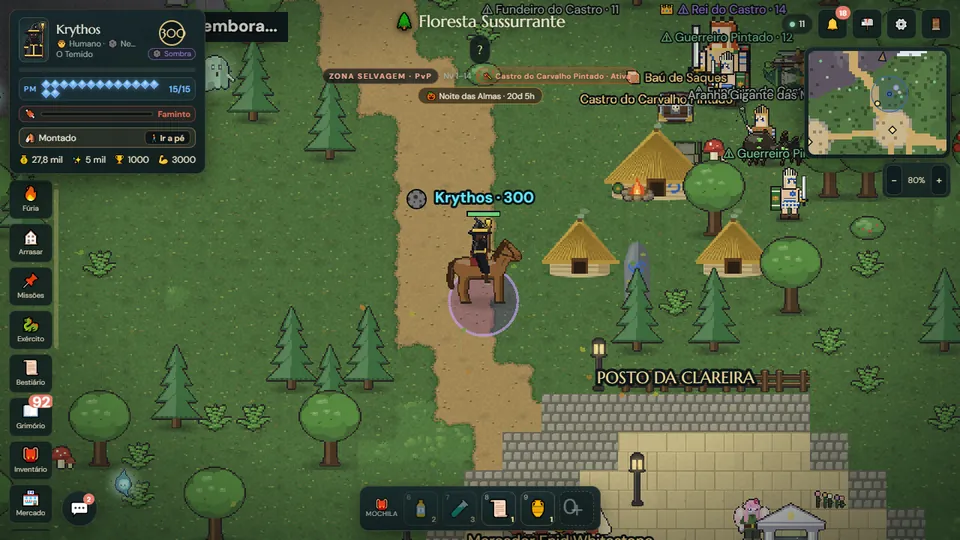
What is a browser RPG?
It is an RPG that runs inside your web browser, the same program you use to read the news. There is no installer, no multi-gigabyte patch, and it does not matter whether your computer is new: the game loads like a website and talks in real time to a server where the world, the monsters and the other players live.
When that world is shared by many people at once, it becomes a browser MMORPG (massively multiplayer online role-playing game): you create a character, explore, fight, level up and meet other adventurers along the way.
Why play an MMORPG with no download
- You start in minutes. Open the address, create an account, play. No waiting for a download bar.
- It runs on a low-end PC. A well-made browser RPG asks little of your machine: older laptops, work computers and Chromebooks usually handle it.
- Your progress lives on the server. Switch computers, wipe your PC or grab your phone: your character is exactly where you left it.
- No storage used. No gigabytes of files on your disk or your phone.
- Always up to date. Every update arrives on its own the next time you open the page.
Do you need to install anything to play?
No. A modern browser MMORPG needs no plugin, launcher or extra program: it uses features every current browser already has, such as WebGL to draw the world and a real-time connection to the server. If your browser opens regular websites, it opens the game. Adding it to your home screen is optional and only gives you an icon and full screen.
Can you play an RPG on your phone?
Yes, and without an app store. In an online RPG built for phones, you open the same address in Chrome or Safari, turn the phone sideways and play with taps. In Echoes of Aora, for example, the game asks for landscape mode and can also be installed to your home screen like an app, with its own icon and full screen.
Since it is the same account, you can hunt on your phone on the bus and carry on at your computer at night.
What to look for in a good free online RPG
- A truly shared world. Other players on the same map, chatting, trading items and taking on bosses together.
- Combat that needs your attention. Real-time fights where position, the right spell and timing matter.
- Progression that means something. Levels, gear, talents and goals that change how you play, not just bigger numbers.
- Something of your own. A house, an army, a kingdom: a reason to come back tomorrow.
- A clear start. A short tutorial that teaches the basics without eating an hour.
What it looks like in Echoes of Aora
Echoes of Aora is a free fantasy RPG MMO made for the browser. You play as a mage: pick a race (humans, elves, dwarves, goblins, orcs, fairies and more) and a school of magic such as Fire, Frost, Nature or Shadow. Each school has its own home city and fights better on the terrain that suits it.
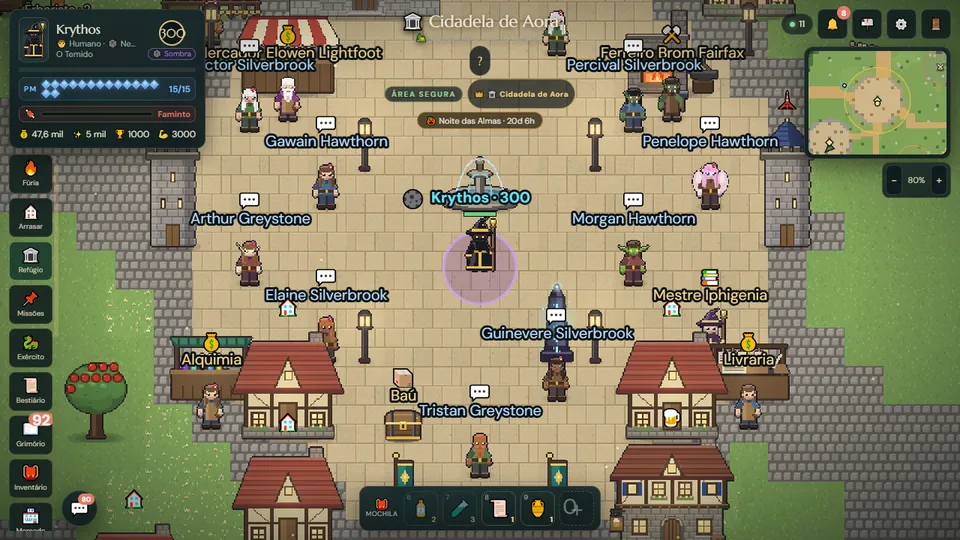
Combat happens in real time, right on the map. And when you defeat a wild creature, you can throw seals to capture it: if it does not break free or flee, it fights by your side. Over time your captured creatures become an army, with their own gear and classes that beat one another like rock, paper and scissors.
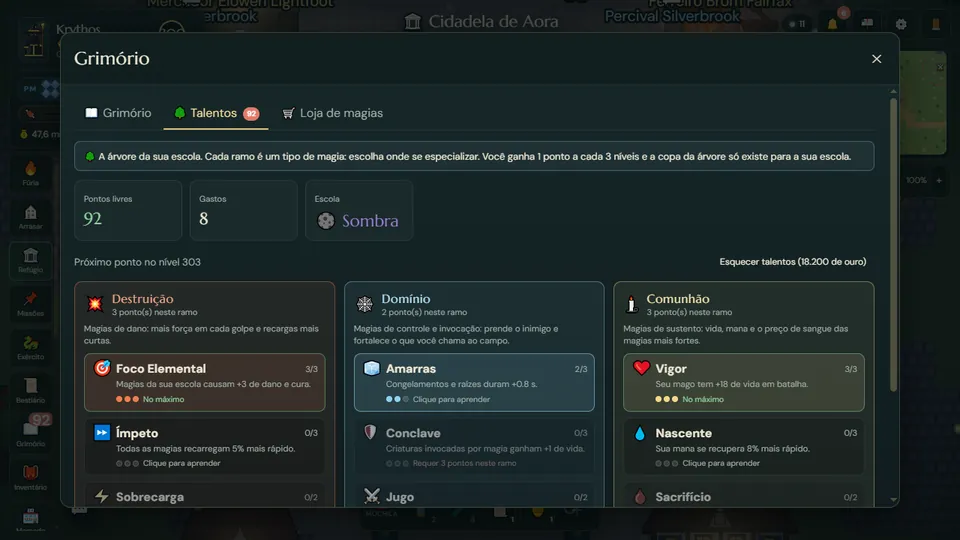
Later, in the Free Lands, you can build your own kingdom: houses, lumber camps, mines, villagers at work, walls and towers against the hordes. And the world never stops: bosses that every mage nearby fights together, faction wars, clans, a player market and PvP from level 11.
How to start in 5 steps
- Open echoesofaora.com on PC or phone (on a phone, in landscape).
- Create your free account.
- Choose your mage’s race, look and school of magic.
- Learn the basics on the Isle of First Steps, up to level 5, with weak creatures and PvP open at any level.
- Talk to the boatman and sail to your school’s city on the mainland. From there, the path is yours.
Tips to keep the game smooth on a low-end PC or phone
- Use an up-to-date Chrome, Edge, Firefox or Safari.
- Close heavy tabs (videos, other animated pages) while you play.
- On a computer, keep your browser’s hardware acceleration turned on.
- On a laptop, play plugged in: battery saver mode holds the processor back.
- On a phone, prefer Wi-Fi and install the game to your home screen to get the full screen.
Read next
- What makes a game an RPG: the 7 core elements
- RPG for beginners: a guide to start playing
- Free online RPG games to play with friends
Frequently asked questions
Is there a free online RPG that needs no download?
Yes. Browser RPGs open straight in a Chrome, Edge, Firefox or Safari tab. Echoes of Aora is one of them: it is free, has no download and your progress is saved on the server.
Do I need a plugin or launcher to play a browser MMORPG?
No. The game uses features every up-to-date browser already has, such as WebGL. Just open the address, create an account and play.
Does a browser RPG run on a low-end PC?
Usually, yes. With nothing to install and no heavy files to download, a browser RPG tends to run on older laptops and simple computers. An up-to-date browser with hardware acceleration turned on helps.
Can I play the same character on PC and phone?
Yes. Your account and character live on the server, so you sign in with the same login on your computer or phone and carry on where you left off.
Is Echoes of Aora really free?
Yes. Just create an account to play: explore, fight, capture creatures and build your kingdom.